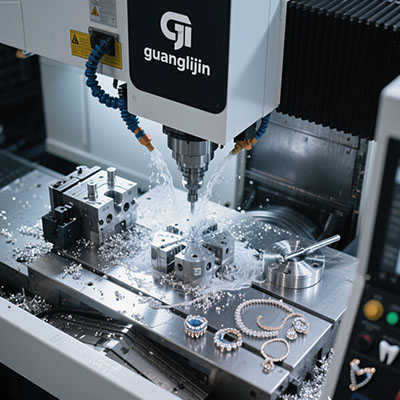
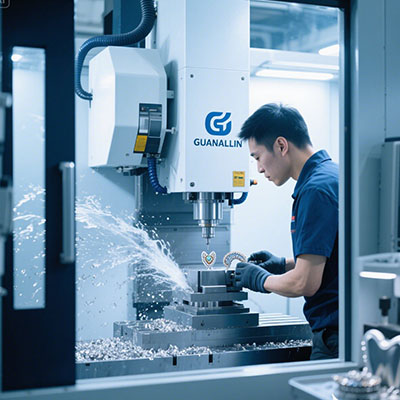
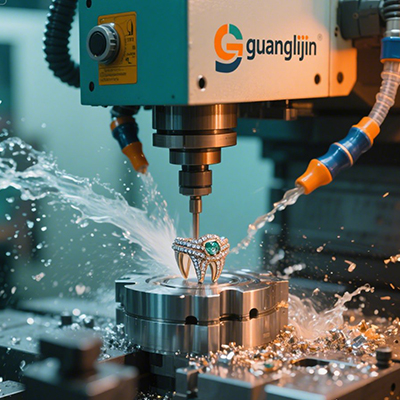
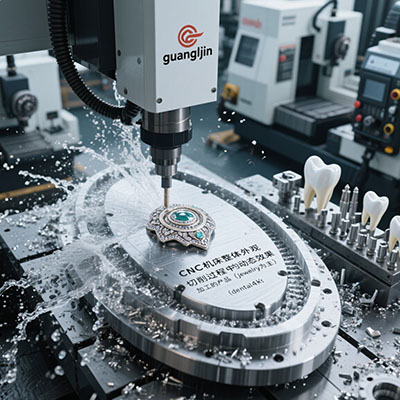
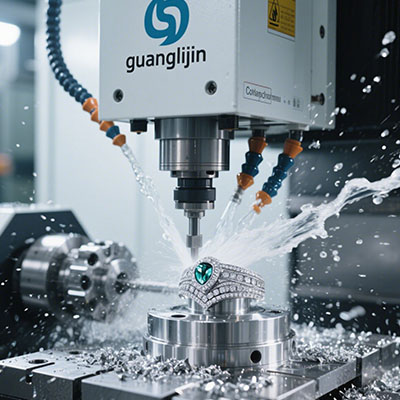
A reliable desktop cutting system changes what a small workshop can make. The cnc 5 axis format puts simultaneous multi-directional milling within reach of design studios, research labs, and prototype shops. Yet reliability is not a spec on a brochure. It is the outcome of matching machine stiffness, control logic, and operator discipline.
What Makes a Desktop 5 Axis System Actually Reliable?
Reliability begins with loop stiffness at the tool tip. Every component—tool, holder, spindle, column, slides—adds compliance in series. The softest link dominates deflection under cutting load[citation:5]. A cast-iron frame absorbs vibration better than aluminium. That difference shows up as surface finish, not just numbers on a datasheet.
Thermal drift is the second hidden variable. Aluminium structures expand more per degree than iron. A machine that cuts well cold may drift after thirty minutes of spindle operation. Warm-up routines matter more on compact frames because heat concentrates in a small mass.
Control reliability separates hobby-grade from production-capable. True simultaneous five-axis motion requires the controller to coordinate rotary and linear axes without hesitation. A system that only supports 3+2 positioning is not the same machine, even if it carries five axes on the label.
Project A vs Project B: A Comparison That Matters
Two procurement paths dominate the desktop five-axis market. One buys on price and promises. The other buys on verified capability. The outcome gap is wider than most buyers expect.
| Factor | Project A — Price-Led Purchase | Project B — Spec-Verified Purchase |
|---|---|---|
| Frame material | Aluminium extrusion, unstated damping | Cast iron or polymer concrete, documented |
| Spindle data | Peak power only, no torque curve | Continuous power at working rpm published |
| Axis motion | “5-axis” without RTCP confirmation | True simultaneous motion with RTCP verified |
| Typical outcome | Chatter on harder alloys, frequent re-zeroing | Repeatable finishes, fewer setups |
| Hidden cost | Wasted stock, operator time, rework | Higher sticker, lower cost per good part |
Global desktop five-axis production reached roughly 21,000 units in 2025, with average pricing near US$25,000 per unit[citation:3]. That volume signals maturing supply, but it also means many machines compete on cost rather than verifiable rigidity. Buyers who request cutting demos on their own geometry separate the two projects quickly.
Five Steps to Commission a Desktop 5 Axis System
Commissioning is where reliable operation is either built or lost. Follow a fixed sequence. Skipping steps transfers risk to the first production run.
Step 1: Verify the Datum Strategy Before Any Cut
Write the datum scheme on the job traveler. Every operator must reference the same faces. Probe the stock, log the offsets, and freeze the revision. A machine that holds 0.005 mm cannot help if the datum floats between shifts.
Step 2: Match Tooling to Spindle Torque, Not Spindle Size
Read the continuous torque curve at the rpm you plan to run. Small cutters in aluminium need surface speed that low-rpm spindles cannot deliver. A large spindle housing on a weak column still chatters[citation:5]. Choose holders with minimum overhang and verify runout with a dial indicator on a test bar.
Step 3: Build a Fixture That Does Not Fight the Cut
Clamp marks on finished faces become scrap. Use soft jaws machined in place for finished surfaces. For plate work, low-profile toe clamps clear the cutter path. Fixture rigidity compounds with machine rigidity; a weak vise erases the benefit of a stiff frame.
Step 4: Program Conservatively, Then Tune with One Blank
Start with 70 percent of the calculated feed and speed. Cut one test blank. Measure surface finish and true position. Increase feed in 10 percent increments only after two consecutive good parts. Rigid tapping and deep pockets deserve their own tuning blanks.
Step 5: Probe Critical Features and Lock the Offset Library
After the first article passes, probe the features that set the part geometry. Save those offsets as a named routine. When a similar job returns, recall the routine instead of re-probing from scratch. This habit cuts prove-out time on repeat work.
⚠ Attention: Three Mistakes That Undermine Desktop Five-Axis Reliability
⚠ Buying axis count instead of motion capability. A machine labelled five-axis may only support indexed 3+2 positioning. Simultaneous contouring requires a controller and CAM post that handle tool-center-point management. Ask for a demo on a sculpted surface, not a flat pocket.
⚠ Copying feeds from a different machine class. A feed rate that works on a 2-ton industrial VMC will chatter a 90 kg desktop frame. The physics of deflection do not scale down linearly. Start from calculated values and adjust to observed finish.
⚠ Treating thermal drift as a non-issue. Compact frames heat quickly. A cold start and a warm machine produce different parts. Establish a warm-up cycle and measure drift with a test cut before committing to tight-tolerance work.
Frequently Asked Questions About CNC 5 Axis Desktop Cutting
Can a desktop 5 axis CNC cut stainless steel reliably?
Yes, within limits. Compact systems with rigid frames and adequate spindle torque can mill stainless at conservative depths. The constraint is removal rate, not capability. Expect slower cycle times than industrial machines and plan tool life accordingly.
What is the difference between true 5-axis and 3+2 positioning on a desktop system?
True five-axis moves all axes simultaneously during the cut. 3+2 locks the rotary axes in position, then cuts with three linear axes. Most desktop work uses 3+2 because programming is simpler. Sculpted surfaces and impeller geometry require simultaneous motion.
How much space and power does a reliable desktop 5 axis system need?
A typical unit occupies roughly one square meter of bench or stand space. Most run on single-phase power, which suits studios and labs without three-phase service. Enclosure noise levels around 50 to 60 dB allow operation in shared workspaces[citation:6].
Do I need a dedicated CAM package for desktop 5 axis machining?
Yes, if you intend simultaneous motion. The CAM post must support tool-center-point management and collision checking across rotary moves. Some systems now ship with AI-assisted toolpath generation that reduces the programming learning curve, but verify that the output is editable G-code, not a locked black box.
Checklist: Before You Commit to a Desktop 5 Axis System
- [ ] Request a cutting demo on a geometry that matches your hardest part
- [ ] Confirm continuous spindle torque at your intended operating rpm
- [ ] Verify true simultaneous motion with RTCP, not just axis count
- [ ] Measure loop stiffness with an indicator under known load, if possible
- [ ] Document the warm-up cycle and thermal drift behavior
- [ ] Confirm CAM post availability for your software
- [ ] Plan fixture and workholding before the machine arrives
- [ ] Establish a first-article inspection routine with signed traveler
- [ ] Train one operator per shift on the probe and offset freeze procedure
A reliable desktop cutting system rewards disciplined buyers. The machine is only half the equation. The other half is the process wrapped around it. Get both right, and the cnc 5 axis format delivers capability that once required a factory floor.