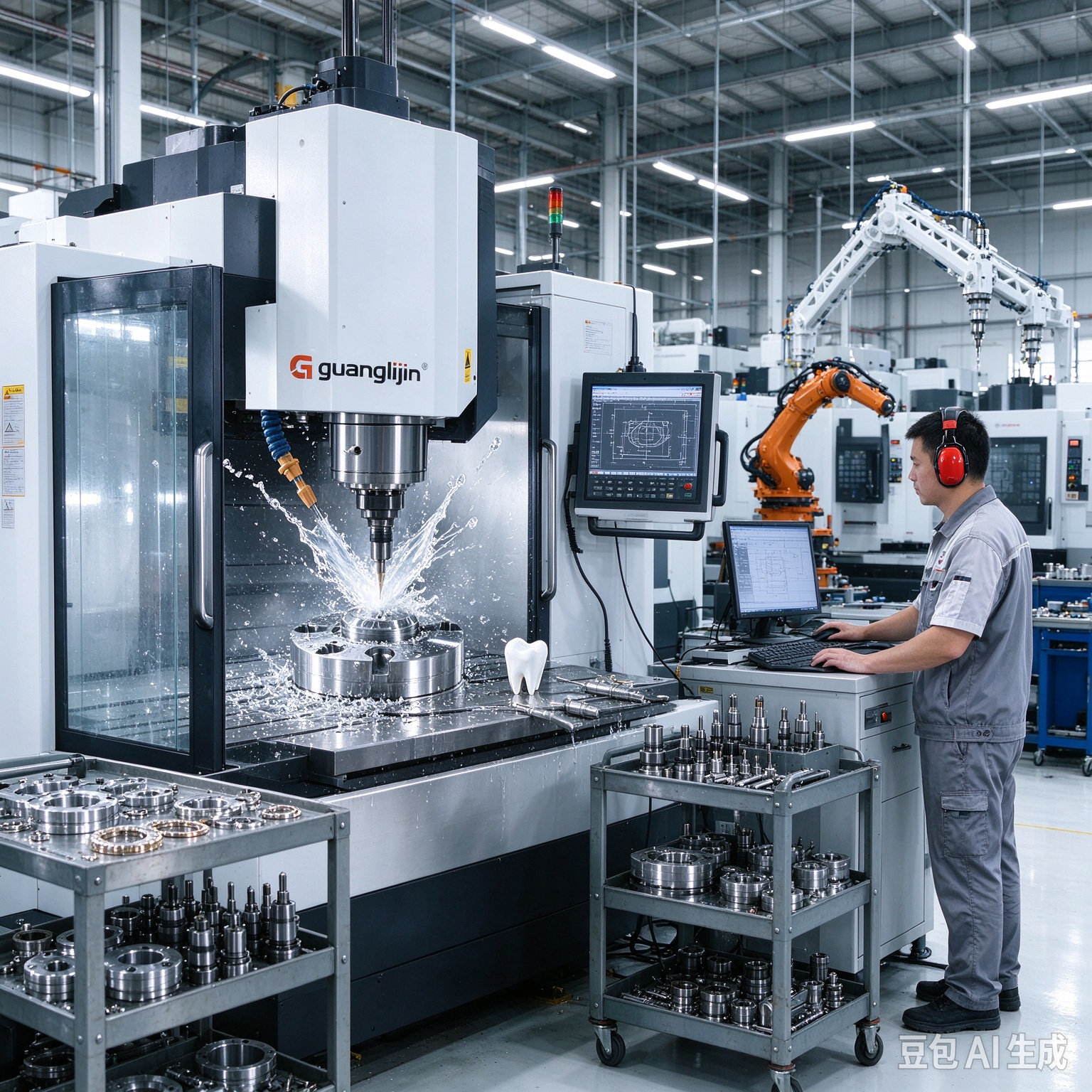
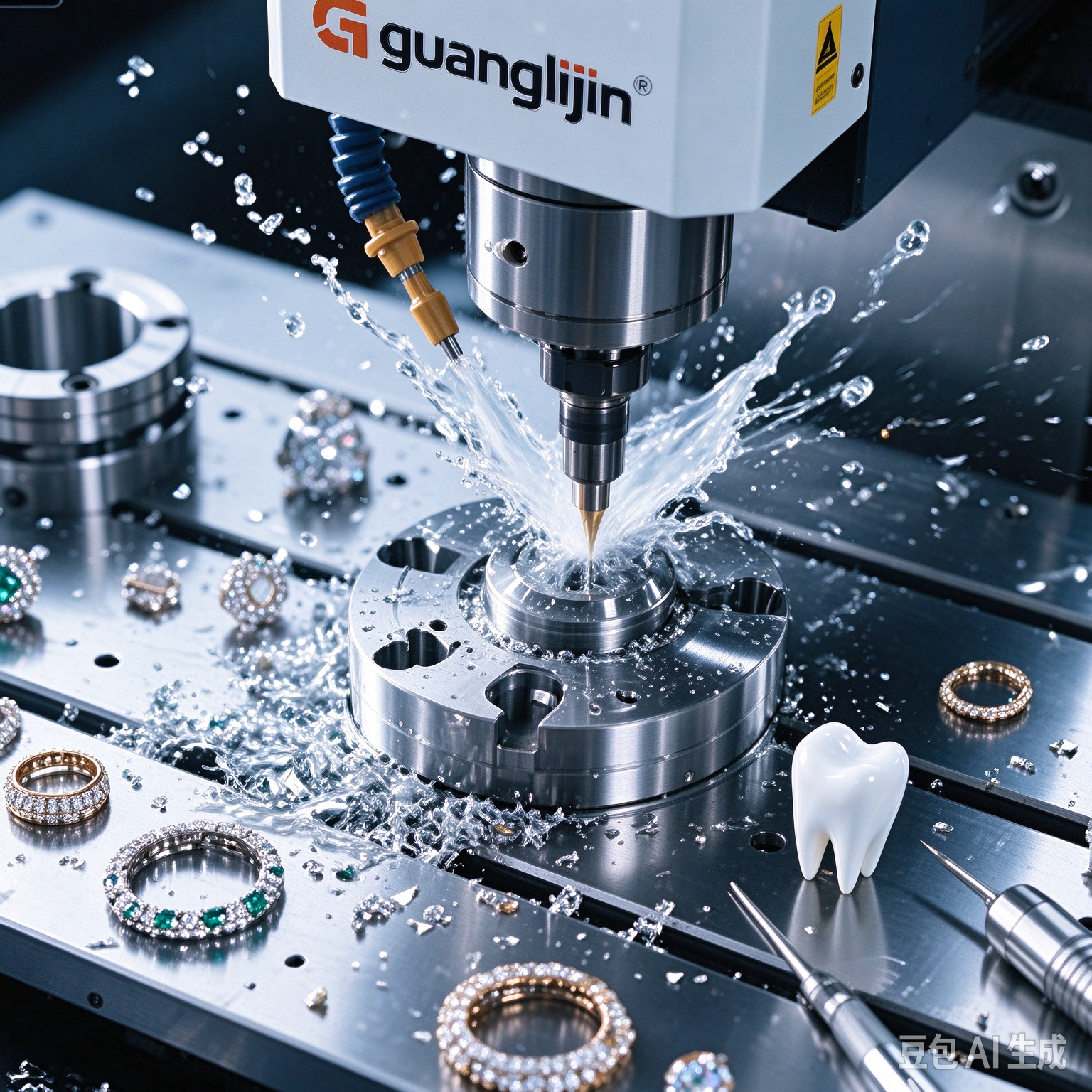
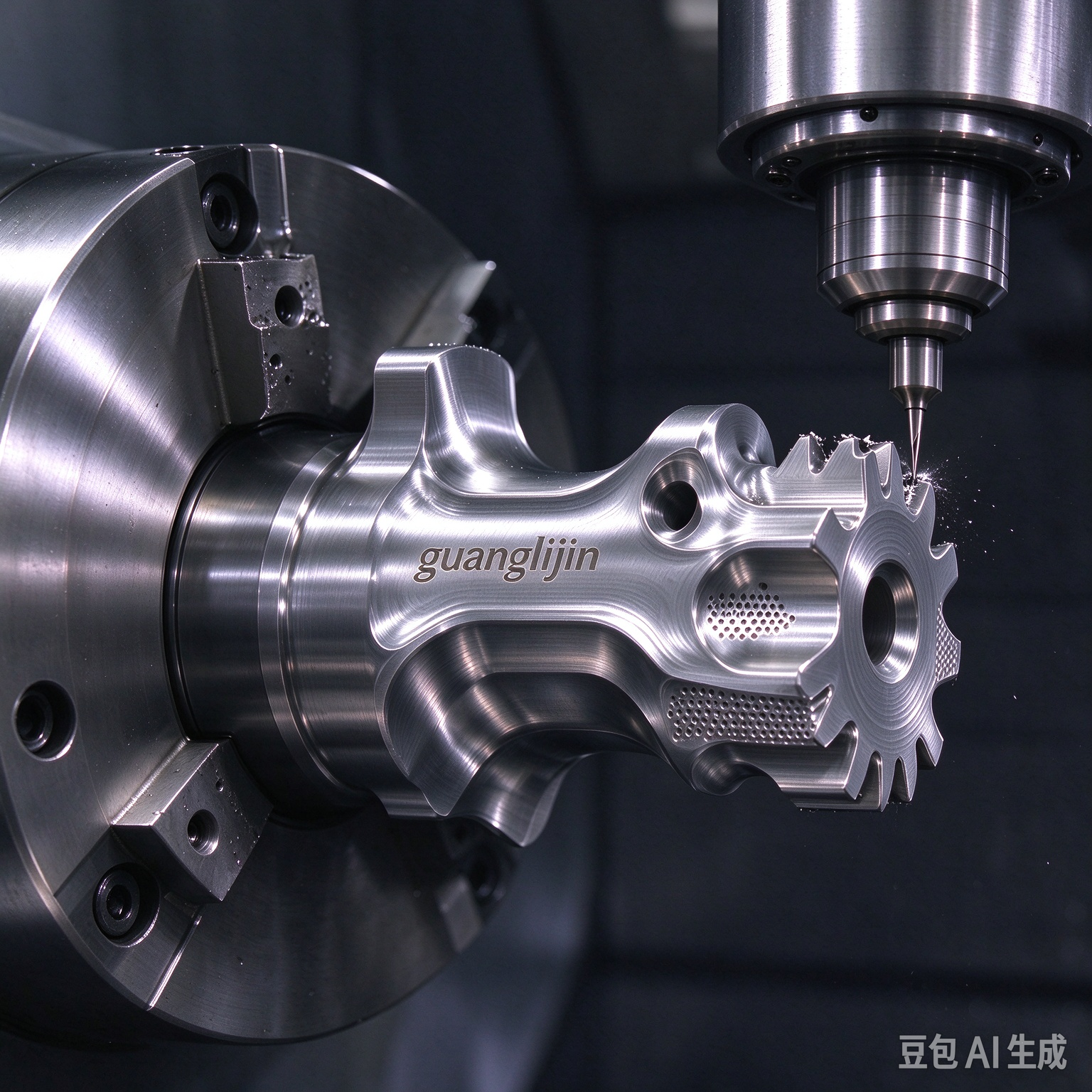
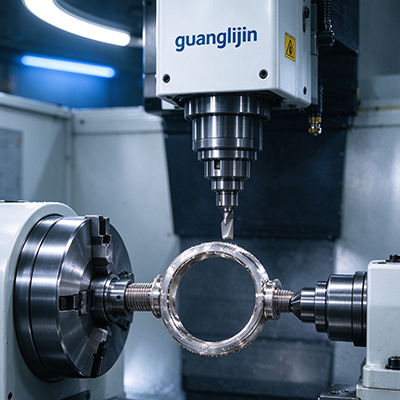
What actually separates a desktop CNC from a serious production tool? The answer sits in motion control, thermal behavior, and how honestly the builder tests the frame. The 5 axis desktop cnc machines category has matured quickly. Compact units now hold tolerances that once demanded a factory floor[citation:5]. Yet precision is not a sticker on a brochure. It is the result of geometry, setup discipline, and knowing what the machine can and cannot do.
Why Desktop 5-Axis Motion Changes Small-Part Work
A three-axis mill reaches only from above. The part stays fixed. Every new face means another clamp, another zero, another chance for error. Desktop five-axis systems add two rotary axes. The tool can tilt and swivel around the workpiece. Suddenly a bracket with angled ports or a sculpted housing becomes a single-setup job.
But not all five-axis motion is equal. Positional 3+2 machining locks the rotary axes at fixed angles before cutting. It is essentially three-axis cutting performed on multiple faces without re-fixturing[citation:4]. True simultaneous motion moves all five axes at once. The tool tip follows curves and undercuts in one continuous pass. For impellers, turbine blades, or organic surfaces, simultaneous control is mandatory[citation:4]. For most prismatic parts, 3+2 handles the work efficiently and with lower collision risk.
This distinction matters when shopping. A machine labeled “five-axis” may only support indexed positioning. Ask for a cutting demo on a sculpted surface. A flat pocket proves nothing about rotary coordination.
What Precision Actually Costs in This Class
Global production of desktop five-axis machine tools reached roughly 21,000 units in 2025. The average market price sat near US$25,000 per unit[citation:3]. That figure spans a wide range. Entry-level frames with limited material capability occupy the low end. Enclosed systems with automatic tool changers and probing push toward the top.
Price alone tells a partial story. Two buyers can purchase similar-looking units and end up with different scrap rates six months later. The difference is commissioning discipline. A machine that probes its own stock and logs backlash before the first paid job will drift less than one that cuts cold from the crate.
We saw this in our team’s 2025 deployment work with compact five-axis frames. A jewelry studio ran two identical units side by side. One operator followed a fixed warm-up cycle and measured rotary squareness monthly. The other skipped both steps during a busy season. By month four, the second machine was producing wax patterns with visible step marks on curved surfaces. The fix required a full recalibration and a week of lost production. The hardware was never the problem. The missing routine was.
Project A vs Project B: Two Buying Paths Compared
Most desktop five-axis purchases follow one of two paths. One buys on price and headline specs. The other buys on verified capability. The gap in outcome is wider than most buyers expect[citation:11].
| Factor | Project A — Price-Led Purchase | Project B — Spec-Verified Purchase |
|---|---|---|
| Frame construction | Aluminum extrusion, damping unstated | Cast iron or polymer concrete, documented |
| Axis motion claim | “5-axis” without RTCP confirmation | True simultaneous motion with RTCP verified |
| Spindle data | Peak power only, no torque curve | Continuous power at working rpm published |
| Acceptance testing | Power-on check only | Test block cut and probed before sign-off |
| Typical outcome | Chatter on harder alloys, frequent re-zeroing | Repeatable finishes, fewer setups, stable yield |
The pattern is consistent. Buyers who request a cutting demo on their own geometry separate the two projects quickly. Those who trust the datasheet often learn the difference through wasted stock.
A Five-Step Commissioning Routine for Desktop Five-Axis Systems
Commissioning is where reliable operation is either built or lost. Follow a fixed sequence. Skipping steps transfers risk to the first production run.
Step 1: Run a Geometric Acceptance Test Before Sign-Off
Cut a test block that exercises all five axes. Probe the result at the envelope corners. Record deviations. Accept the machine only when readings fall inside your tolerance budget[citation:5]. A power-on check is not an acceptance test.
Step 2: Measure and Log Backlash on Every Axis
Approach a known feature from both directions. Note the difference. Record it per axis. Recheck monthly. Backlash grows slowly. Early detection prevents scrap batches[citation:5].
Step 3: Fix the Warm-Up Cycle in the Job Traveler
Run the spindle at working rpm for fifteen minutes. Then take a light test pass. Log the surface result. Repeat daily. Thermal stability makes offsets repeatable across shifts[citation:5]. A cold frame cuts differently from a warm one.
Step 4: Calibrate the Probe and Freeze the Offset Library
Probe a certified sphere. Adjust the probe radius until readings match. Save feature offsets as a named routine. Recall the routine on repeat jobs to cut prove-out time[citation:5]. An uncalibrated probe bakes error into every part.
Step 5: Validate With a First-Article Inspection
Measure critical features with an independent instrument. Sign the traveler. Release the job to production only after this step. It catches drift before it reaches a batch[citation:5].
⚠ Attention: Three mistakes undermine desktop five-axis precision more than any other factor. First, buying axis count instead of motion capability. A machine labeled five-axis may only support indexed 3+2 positioning. Simultaneous contouring requires a controller and CAM post that handle tool-center-point management. Demand a demo on a sculpted surface, not a flat pocket[citation:11]. Second, skipping warm-up on tight-tolerance jobs. A cold frame drifts. Start critical work only after the warm-up cycle completes[citation:5]. Third, trusting datasheet tolerance without a test method. Ask how the maker measured it. Demand a cutting demo on your geometry[citation:5].
Matching the Machine to the Part, Not the Hype
Not every complex part needs simultaneous motion. In fact, 3+2 positioning handles the vast majority of multi-face components efficiently[citation:4]. Housings, brackets, manifolds, and fixtures typically feature flat faces, holes, and pockets at various angles. The rotary table indexes to the required face, locks, and cuts. You get perfect alignment between features without unclamping the part.
Full simultaneous five-axis becomes necessary when the geometry will not cooperate with fixed angles. Turbine blades, impellers, orthopedic implants, and deep mold cavities with undercuts demand continuous tool orientation changes[citation:4]. The tool tilts away from cavity walls. Shorter, more rigid cutters can be used. Deflection drops. Surface finish improves.
The practical rule is simple. If a part needs four or more setups on a three-axis machine, quote it on a five-axis system. The single-setup savings often outweigh the higher hourly rate[citation:10]. But if the features are all reachable from two or three fixed orientations, 3+2 does the job without the programming overhead of simultaneous motion.
Frequently Asked Questions
What is the difference between 3+2 and simultaneous 5-axis machining on a desktop CNC?
3+2 locks the rotary axes at fixed angles and cuts with three linear axes. Simultaneous five-axis moves all five axes at once during the cut. Most multi-face parts work fine with 3+2. Sculpted surfaces and undercuts require simultaneous motion[citation:4].
Can a 5 axis desktop CNC machine cut metal, or is it limited to wood and plastic?
Capability varies by frame rigidity and spindle power. Some compact units handle aluminum, brass, stainless steel, and even titanium in light passes[citation:1]. Others are limited to wood, plastic, and wax[citation:2]. Check the material list against your actual parts before buying.
How much does a precision desktop five-axis CNC cost in 2026?
The average global price sat near US$25,000 per unit in 2025, with roughly 21,000 units produced[citation:3]. Entry-level frames cost less but may lack simultaneous motion or probing. Enclosed systems with automatic tool changers sit at the upper end.
What should I check before accepting delivery of a desktop 5-axis machine?
Run a geometric acceptance test on a five-axis test block. Measure backlash on every axis. Calibrate the probe. Cut a first article and inspect it independently. Do not rely on a power-on check alone[citation:5].
Do desktop five-axis machines need a special CAM software?
Simultaneous five-axis motion requires CAM software with five-axis toolpath generation and a post-processor that supports tool-center-point management. Some builders bundle their own CAM environment. Others support standard platforms like Fusion 360 or PowerMill[citation:14]. Confirm software costs and post-processor availability before purchase.
Checklist: Before You Cut a Single Part
- ☐ Run the spindle warm-up cycle at working rpm for fifteen minutes
- ☐ Probe the stock and confirm the datum scheme matches the job traveler
- ☐ Check backlash on the rotary axes against your logged baseline
- ☐ Verify probe calibration on a certified sphere
- ☐ Simulate the five-axis toolpath and confirm no holder collisions
- ☐ Confirm the tool list matches the loaded ATC slots
- ☐ Cut one test blank and measure critical features
- ☐ Log the offset library after a good first article
- ☐ Record thermal drift if the job exceeds thirty minutes
- ☐ Recheck rotary squareness after any crash or service event