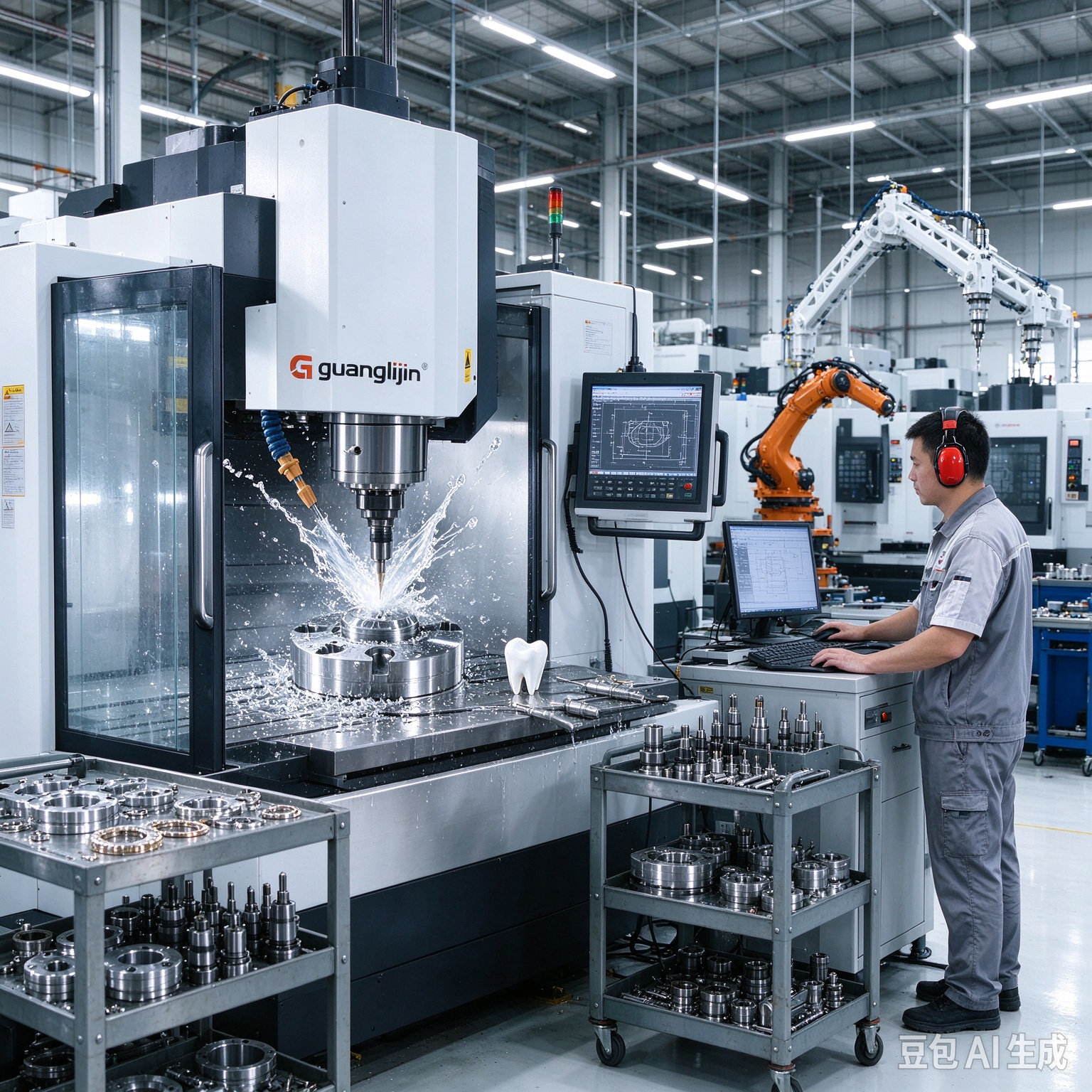
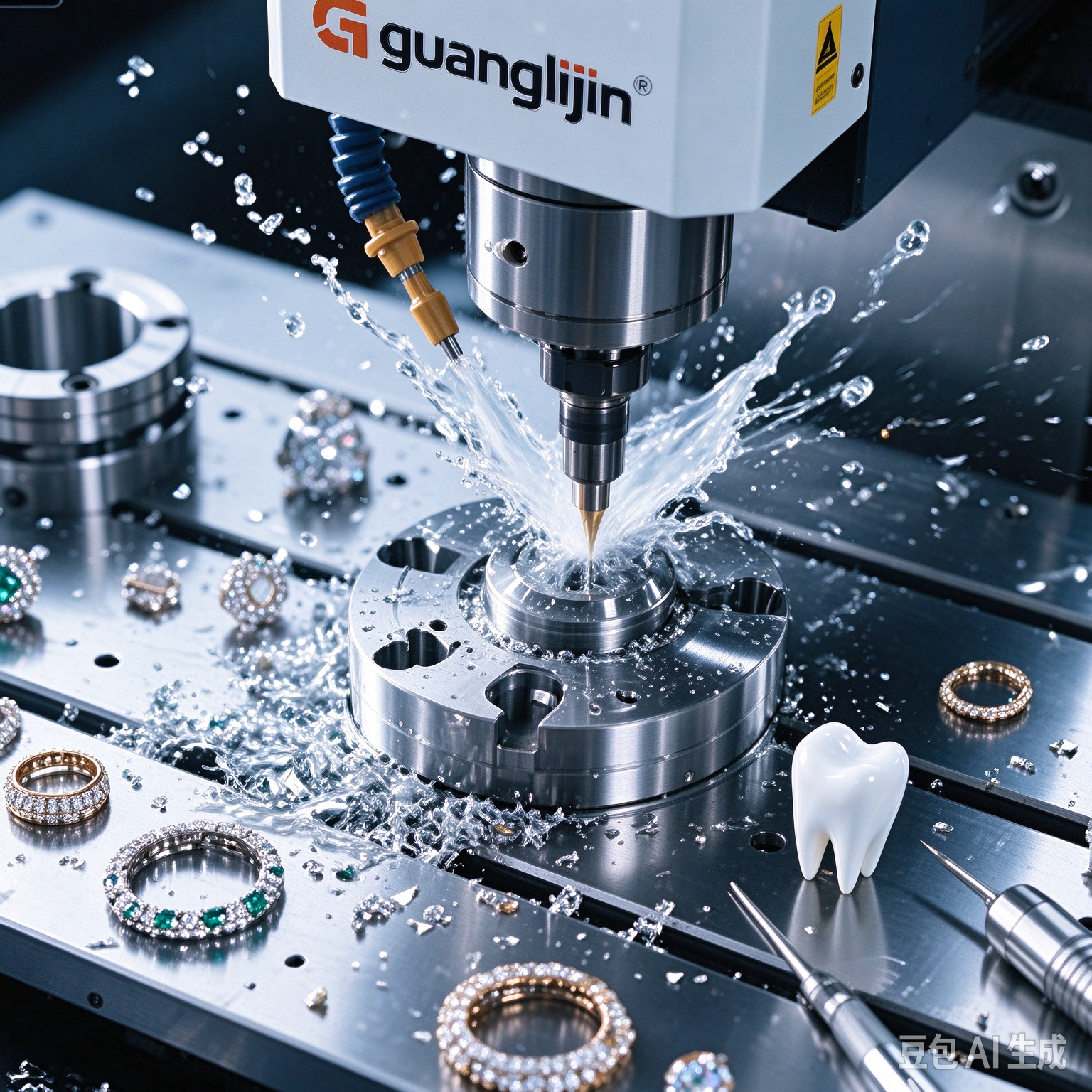
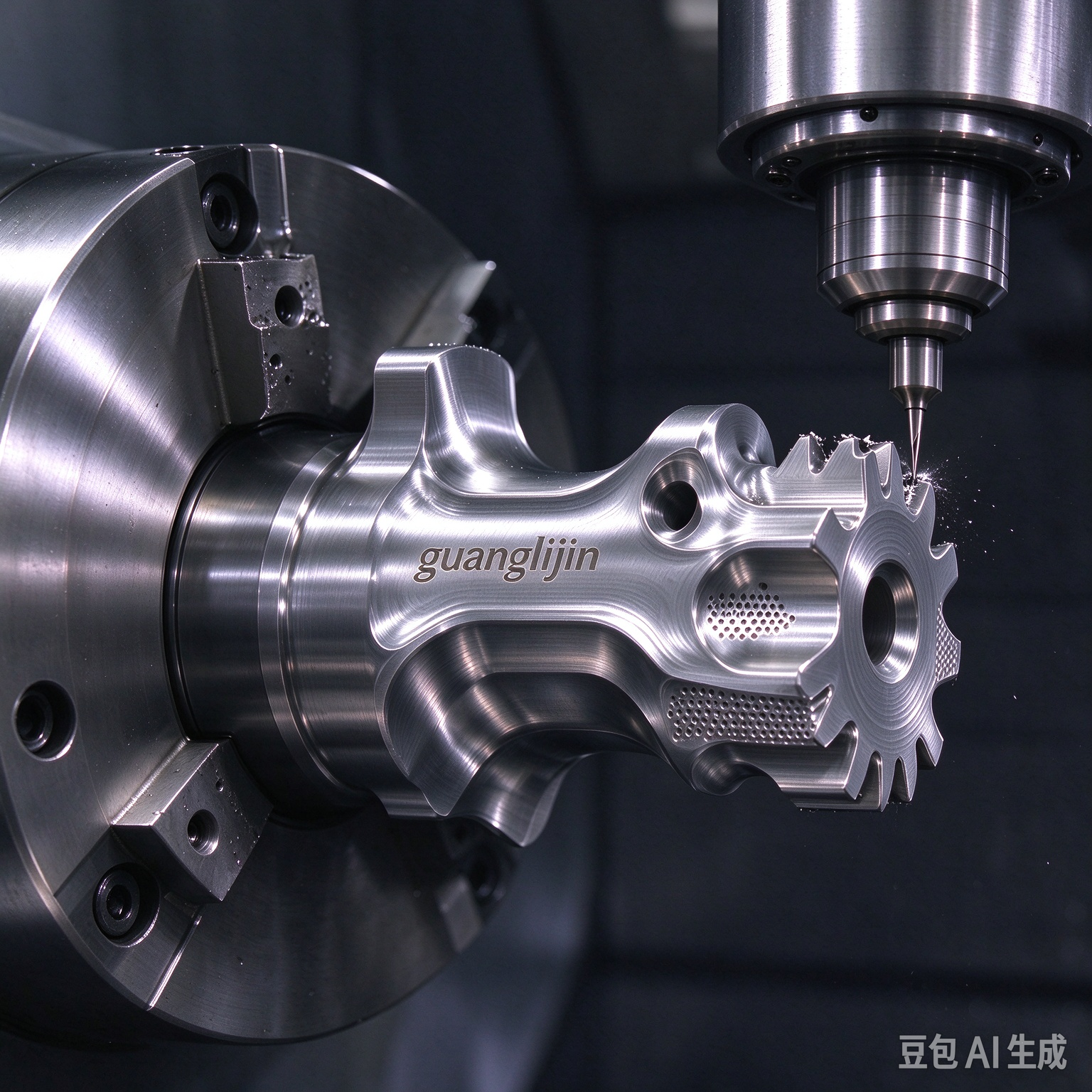
What makes a mill shop-ready? Speed is not the answer. Uptime is. A machine earns its bench space when it cuts paid work every day without surprises. A 5-axis desktop cnc can reach that bar. But only when the buyer plans for service, tooling, and operator routine from day one.
Shop-Ready Means Uptime, Not Specs
Spec sheets sell machines. Uptime pays for them. A shop-ready mill starts reliably, holds tolerance across shifts, and recovers fast from a fault. Those traits come from support and design, not spindle peak power.
Ask three questions before buying. Can the builder deliver a spare rotary drive within a week? Is the controller documented well enough for your programmer? Does the post-processor exist for your CAM platform today? A no on any of these turns a mill into a project.
Therefore, treat the purchase as a system. Machine, CAM, tooling, and support must all land together. Otherwise the bench sits idle while parts wait.
The Numbers Behind Real Shop Deployment
Global shipments of desktop five-axis machine tools reached roughly 21,000 units in 2025. Average pricing sat near US$25,000 per unit. That volume pushed spare-part networks and post-processor libraries into the compact class. Buyers benefit from that maturity, but only if they check it directly.
Demand for spare rotaries and probes grew alongside shipments. The practical result is simple. Compact five-axis support is no longer a niche. Shops can expect real service channels, provided they confirm coverage in their region before ordering.
However, service coverage varies by builder and country. A strong machine with weak local support stalls on a failed belt. Ask for named contacts and typical response times. Put the answer in writing.
Project A vs Project B: Two Shop Deployment Paths
Two shops can buy identical hardware and get different results. The split usually shows up in month two, when a fault or a rush job hits.
| Factor | Project A — System-Led Deployment | Project B — Machine-Only Purchase |
|---|---|---|
| CAM post-processor | Verified on the controller before delivery | Built after arrival, trial and error |
| Spare parts | Rotary belt and probe stylus on the shelf | Ordered only after a failure |
| Operator training | Probing, warm-up, and recovery covered | Learned from trial cuts |
| Job routing | Small multi-face parts routed to the mill | Every job pushed through one machine |
| Typical outcome | Steady uptime, predictable cycle times | Idle stretches and rushed rework |
The table points to a pattern. Deployment planning decides throughput. Hardware sets the ceiling. Planning decides how close the shop gets to it.
A Five-Step Guide to Making the Mill Shop-Ready
Readiness is built through a fixed sequence. Each step removes a class of downtime.
Step 1: Confirm the CAM Post-Processor Before Delivery
Install the post on your CAM platform. Post a test program for the actual controller. Run it in simulation first. Verify tool-center-point output matches the machine. This step prevents weeks of manual code edits.
Step 2: Stock Consumables and Critical Spares
Order rotary belts, probe styli, and common fuses before the first job. Keep a spare tool holder set. A small parts bin prevents a two-week stall over a low-cost item.
Step 3: Write the Daily Start-Up Routine
Define the warm-up cycle, probe calibration check, and backlash test. Print it. Post it at the machine. Train every operator on the same sequence. Consistency across shifts protects tolerance.
Step 4: Route Jobs by Part Family
Send small multi-face parts to the five-axis mill. Keep flat, simple work on the three-axis machine. Routing discipline protects the mill’s duty cycle and keeps cycle times honest.
Step 5: Set a Fault Recovery Playbook
Document the first three failure modes you expect. Rotary fault, probe error, and tool breakage cover most cases. Write the recovery steps. Post them. Recovery speed decides real uptime.
⚠ Attention: Three mistakes keep a five-axis mill from earning its space. First, buying the machine before confirming the CAM post-processor. Without a verified post, every program needs manual edits and every job risks a crash. Second, skipping spare-part stock. A failed rotary belt can idle a mill for two weeks when a shelf spare would fix it in an hour. Third, routing every job through the five-axis mill. Small flat parts run faster on a three-axis machine. Route by part family and protect the mill’s uptime.
Throughput Habits That Keep the Mill Busy
Uptime follows workflow. Set up jobs while the mill cuts the previous one. Use a second vise or pallet system. Load the next part during the current cycle. That habit alone lifts daily output.
Probing reduces prove-out time on repeat jobs. Save offset routines under fixed names. Recall them instead of re-zeroing each part. Consistency improves, and setup time shrinks.
Tool life tracking matters too. Small cutters wear fast. Log tool changes and replace on schedule. A worn cutter ruins finish before it breaks. Scheduled replacement protects parts.
Our team supported a small job shop in 2025 that ran a compact five-axis mill as its only machine. Cycle times looked fine on paper. Real output lagged. The cause was setup time between jobs. Adding a second vise and a saved probe routine cut non-cutting time by nearly half. The machine never changed. The workflow did.
Frequently Asked Questions
Is a 5-axis desktop CNC ready for production shop work?
Yes, for small multi-face parts and finishing operations. Production readiness depends on support, spares, and routing discipline. Confirm a verified CAM post-processor and local service coverage before committing to daily production.
What should I stock as spares for a desktop five-axis mill?
Keep rotary belts, probe styli, fuses, and a spare tool holder set on the shelf. Add coolant or air blast filters. Low-cost spares prevent long idle stretches when a small part fails.
How much does a shop-ready 5-axis desktop CNC cost in 2026?
The average global price sat near US$25,000 per unit in 2025, with roughly 21,000 desktop five-axis units shipped. Budget above that average for spares, CAM post development, and operator training.
How do I reduce setup time on a desktop five-axis CNC?
Use a second vise or pallet system. Save probe routines under fixed names. Route repeat jobs through stored offsets. Pre-stage tools and stock during the current cycle. Setup time drops when the plan is fixed.
Which parts should stay off a five-axis desktop mill?
Large slabs, heavy stock removal, and simple flat parts stay off. A three-axis machine handles flat work faster and cheaper. Heavy roughing overloads compact frames. Route by part family to protect uptime.
Checklist: Shop-Ready Mill Sign-Off
- ☐ CAM post-processor verified on the actual controller
- ☐ Spare rotary belts and probe styli stocked
- ☐ Daily start-up routine printed and posted
- ☐ Warm-up cycle written into the job traveler
- ☐ Probe calibration procedure trained on all shifts
- ☐ Backlash log started with monthly checks
- ☐ Job routing rules defined by part family
- ☐ Fault recovery playbook posted at the machine
- ☐ Second vise or pallet system in place
- ☐ Local service contact and response time confirmed